
Create a Custom Chatbot from your Website
Create a Chatbot that learns directly from your website or documentation. Simply enter your URL or Sitemap and get a ChatGPT-like Chatbot for your website.
No payment details required
FEATURED IN
VIDEO
Easily setup your chatbot in 2 minutes
Custom ChatGPT for Your Website
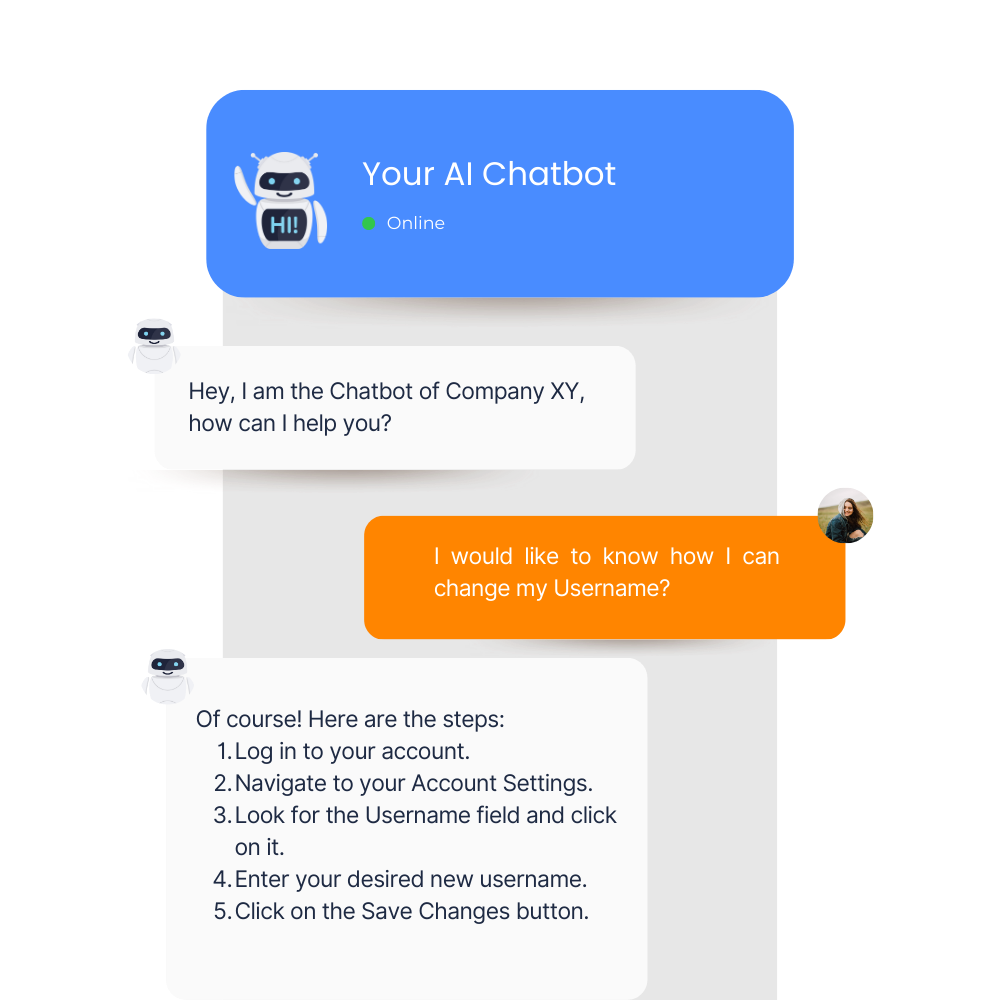
Let your users chat with your website
Make your whole website easily accessible through an easy-to-use chatbot that uses your whole website to answer any question your customers might have. Reduce the load on your support team and create your intelligent chatbot now!
FEATURES
How ChatKo helps you handle all customer requests

Always up-to-date
As your company’s website changes, your chatbot updates its knowledge base so it always has the most current information

No additional training
Your chatbot learns from your company’s website, making it a hassle-free solution for your customer service needs

Chat history
Keep track on how your Chatbot performs and visit past conversations from your users

Easy deployment
Your chatbot can be deployed quickly and easily on your website, without the need for complex coding or technical skills
Choose your plan
Find the fitting plan for your business and documentation!
Free 7-day trial on all plans
Starter
$100
Best for individuals
Popular
Expert
$200
Best for professional
Ultimate
$300
Best for business
HOW IT WORKS
4 Steps for setting your chatbot
Follow these 4 steps for completing the chatbot
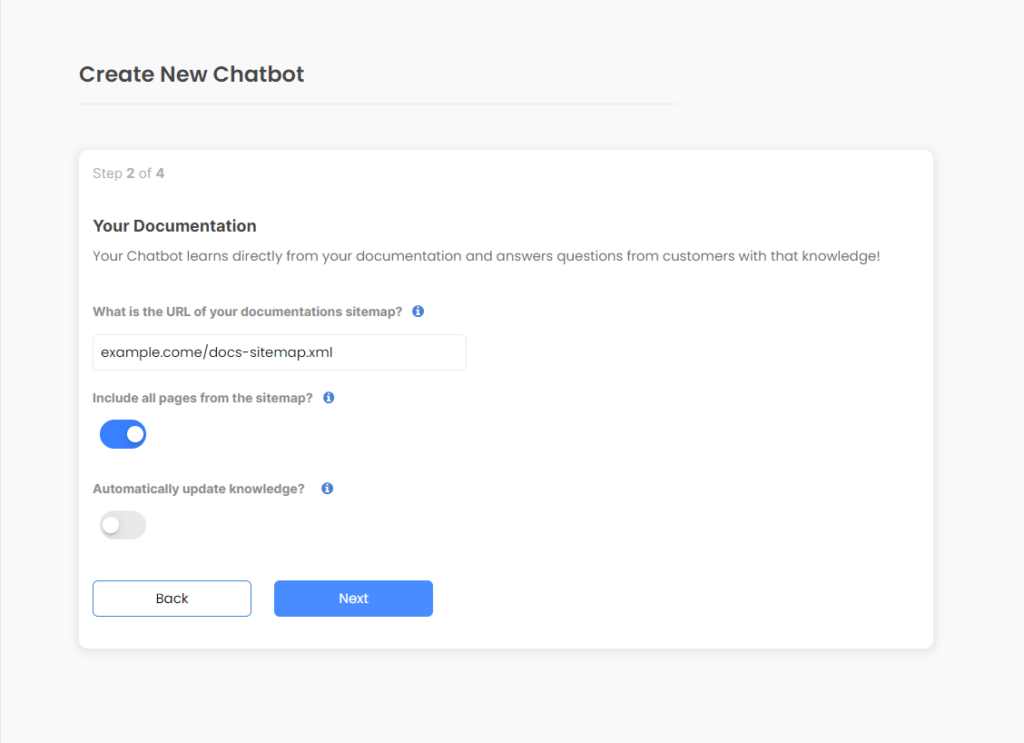
STEP 1: TRAIN YOUR CHATBOT
Simply give Chatbot the URL of the sitemap of your website and it will automatically learn everything.
Your Chatbot can:
- Automatically add new pages from your sitemap
- Update knowledge frequently
- Only learn from selected URLs you specify
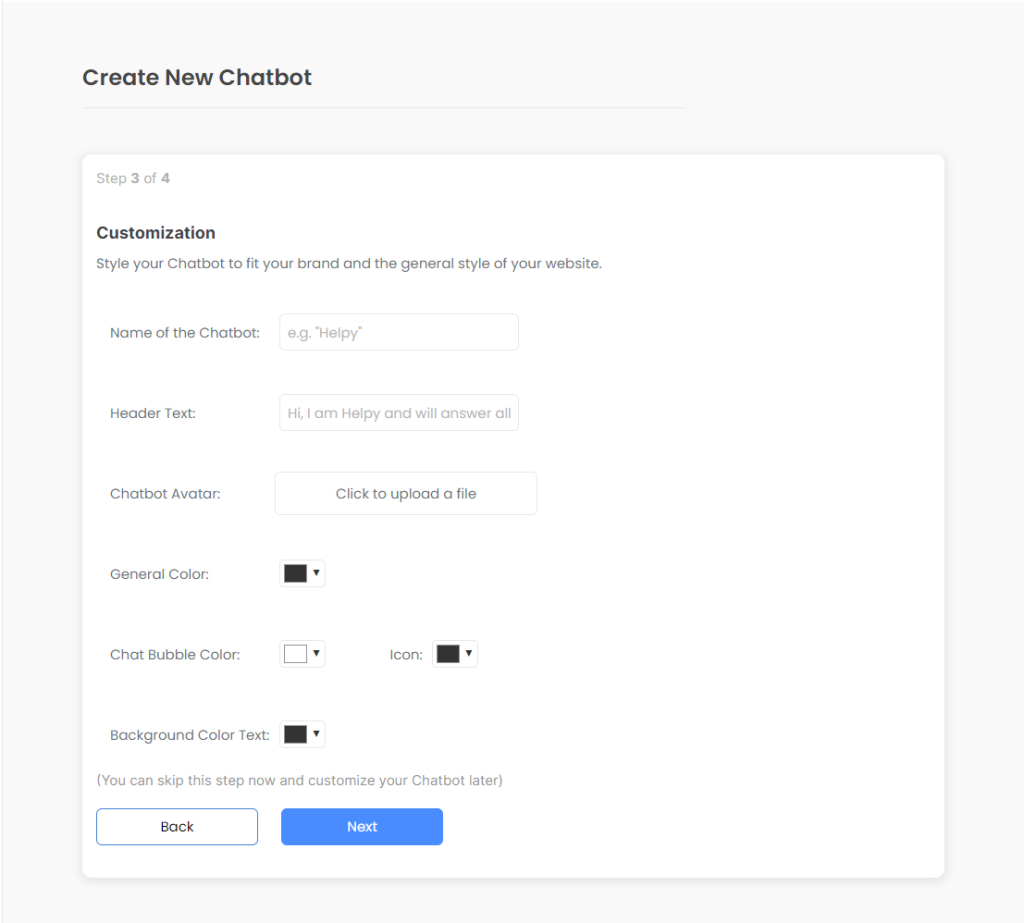
STEP 2: CUSTOMIZE TO FIT YOUR BRAND
Simply give Chatbot the URL of the sitemap of your website and it will automatically learn everything.
Your Chatbot can:
- Automatically add new pages from your sitemap
- Update knowledge frequently
- Only learn from selected URLs you specify
STEP 3: EMBED ON YOUR WEBSITE
Simply give Chatbot the URL of the sitemap of your website and it will automatically learn everything.
Your Chatbot can:
- Automatically add new pages from your sitemap
- Update knowledge frequently
- Only learn from selected URLs you specify
STEP 4: HELP YOUR CUSTOMERS
Simply give Chatbot the URL of the sitemap of your website and it will automatically learn everything.
Your Chatbot can:
- Automatically add new pages from your sitemap
- Update knowledge frequently
- Only learn from selected URLs you specify
What does our clients say about us

FAQ